
Charmius Mobile Play, iOS and Android Guide
Mobile play at Charmius needs no download — we run in your phone's browser with the same lobby you see on desktop. Open an account and claim up to AUD2,000 + 100 free spins straight from your handset.
Claim AUD2,000 + 100 FSHow the Charmius Casino App Works on Your Phone
The Charmius Casino app is not a download from an app store — it is a progressive web app (PWA) that runs through your mobile browser and can be added to your home screen like a regular app icon. Everything below is drawn directly from our published mobile setup.
| Feature | Detail |
|---|---|
| App type | Browser-based PWA, no app-store install |
| Platforms | iOS and Android, via mobile browser |
| Home screen access | Added manually from the browser share/menu option |
| Support while on mobile | Live chat and email, 24/7 |
| Minimum deposit | AUD10 |
Because it runs in the browser, there is nothing to update manually — the site simply loads the current version each time you open it.
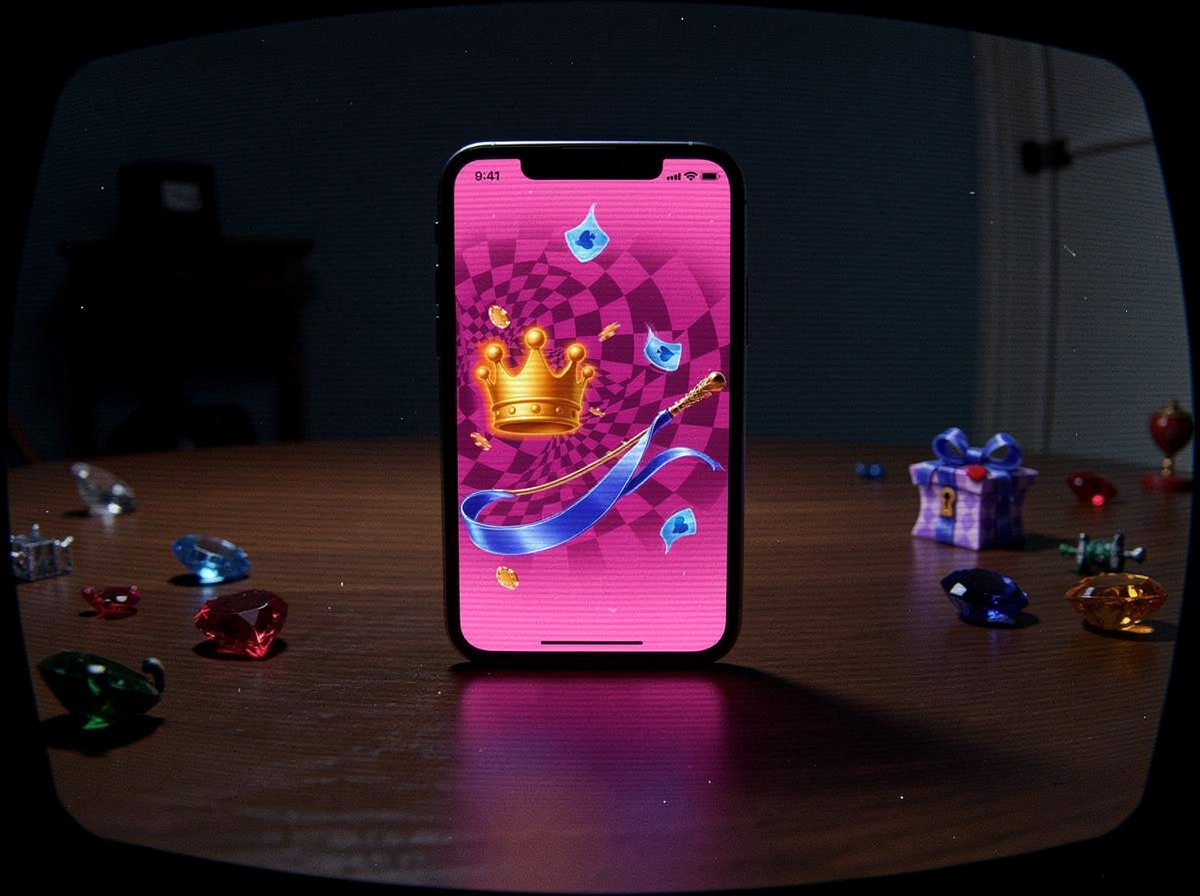
Installing the Browser App on iOS and Android
We built Charmius to play directly in your phone's browser rather than through a native app-store listing. This means the same account, games and support channels are available on iOS and Android without a separate download or update process.
Adding the icon to your home screen
On an iPhone, open our site in Safari, tap the share icon, then choose Add to Home Screen. On Android, open the site in Chrome, tap the browser menu, and select Add to Home Screen or Install App. Either way, an icon appears on your device that opens straight into our mobile site, functioning much like a normal app shortcut.
Once installed this way, you can sign in through our login page or set up a new profile through account creation directly from your phone, with no separate mobile registration process.
What Changes Between Desktop and Mobile
Playing through the browser-based app means the game library and account tools stay identical between desktop and mobile — there is no reduced mobile-only version. The same providers behind our library, including 3 Oaks Gaming, Playson, BGaming and Betsoft, run through the mobile browser, and you can browse categories such as slots, table games and live casino from the full games library just as you would on a computer.
Deposits, withdrawals and support work the same way on mobile too. You can review the accepted methods under deposit and withdrawal options before funding an account from your phone, and our live chat and email support remain reachable around the clock no matter which device you use.
If you ever lose access to your account on mobile, the recovery process is the same as on desktop and is handled through password recovery.
Mobile App Questions Answered
-
Can players download a Charmius Casino app?
No, we do not offer a download from an app store. Our mobile app is a browser-based PWA that runs in Safari or Chrome and can be added to your home screen.
-
Does Charmius work on iPhone?
Yes, our site runs in Safari on iOS. You can add it to your home screen using Safari's share menu and Add to Home Screen option.
-
Does Charmius work on Android?
Yes, our site loads in Chrome on Android. Use the browser menu and select Add to Home Screen or Install App to place an icon on your device.
-
Do I need to update the Charmius app manually?
No manual updates are needed since the mobile experience loads through your browser each time, so the current version is always what you see.
-
Can I contact support from the mobile app?
Yes, live chat and email support are available 24/7 and work the same way on mobile as on desktop.
-
Is the game selection different on mobile?
No, the mobile browser app loads the same library from providers such as 3 Oaks Gaming, Playson and Betsoft as the desktop site.
5 min read // Updated Oct 8, 2026